

One-off chat
Fast answers, fast output.
Your context and methods scatter, or sink into the history.
What carries over
Thu 8 Oct18:00 Berlin time (CEST)
Thursday 8 October, 18:00 Berlin time (CEST)
If you don't think you got enough value for the money, just email me your feedback and I'll refund you in full.
A setup of your own, so the work you do with AI adds up instead of restarting every session.
By the end of the hour, you'll know
Thu 8 Oct18:00 Berlin time (CEST)
If you don't think you got enough value for the money, just email me your feedback and I'll refund you in full.
Since Claude Code's release in early 2025, anyone can access powerful, generalist AI agents for about $20 a month.
Software engineers were the first to leverage those and multiply their output. Why? Because they already worked in files, knew how tools communicate, and understood how to handle AI-ready context.
Today, only a small share of knowledge workers have learned to scale their work with AI. In this hour, I'll onboard you to the same setup.
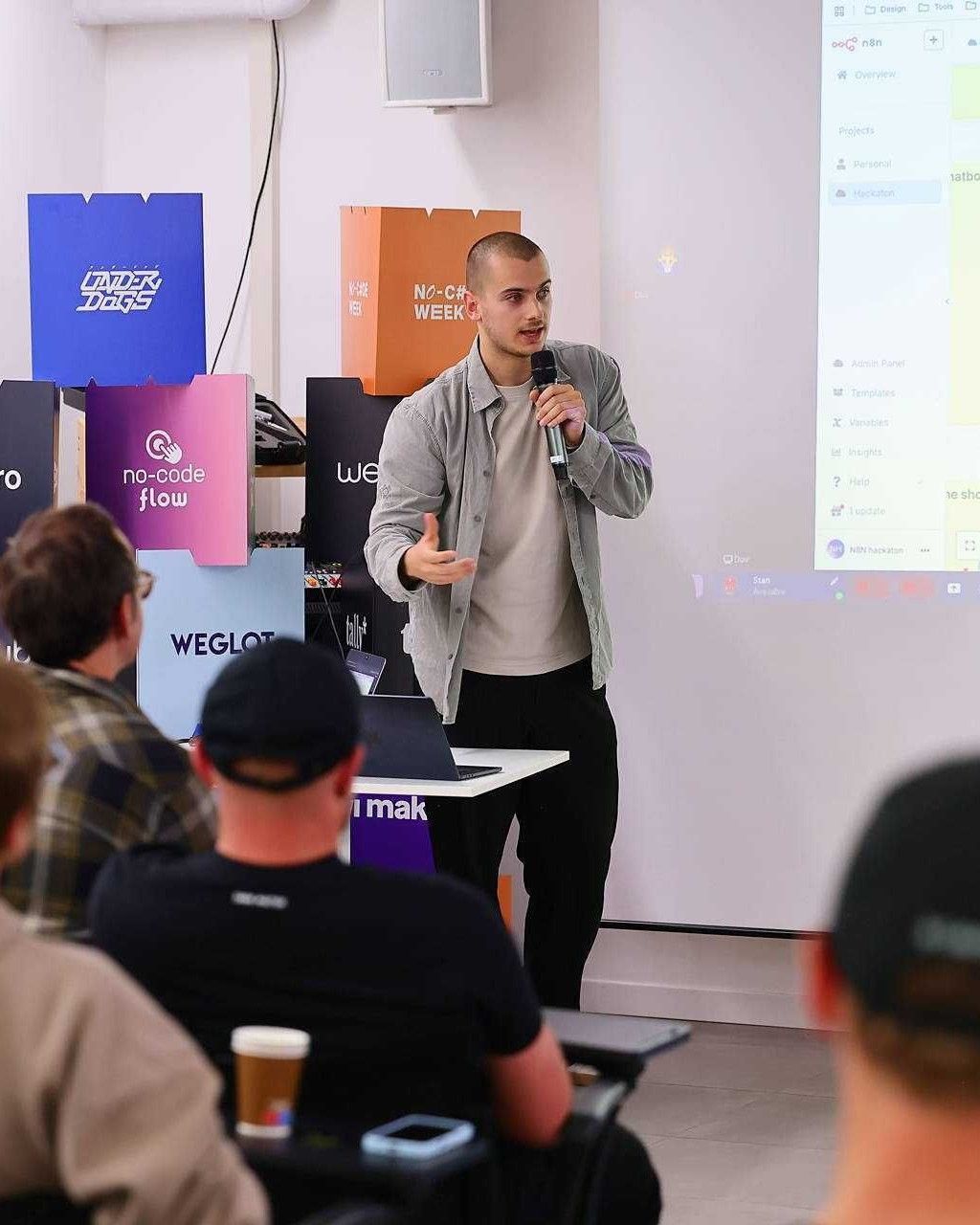
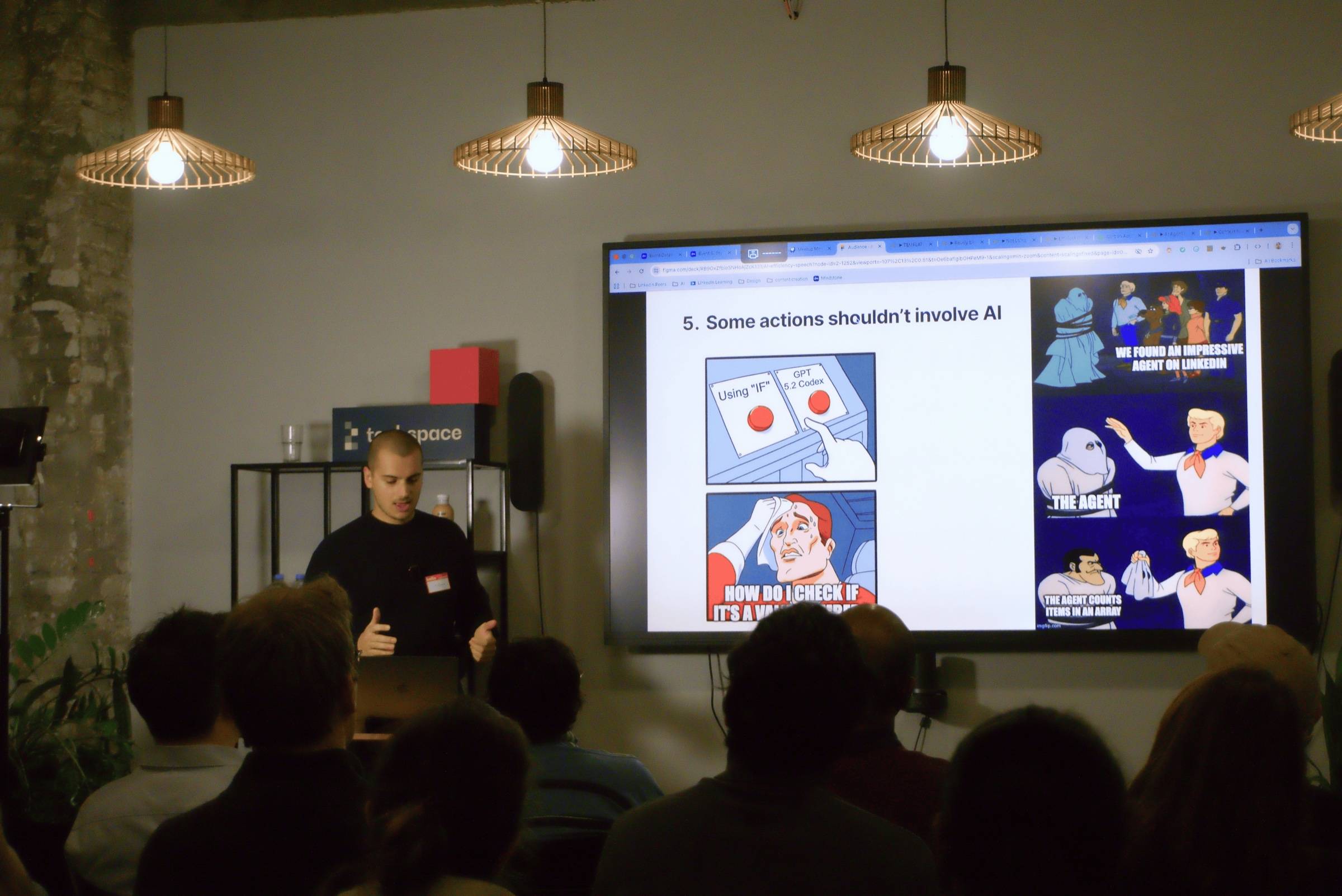
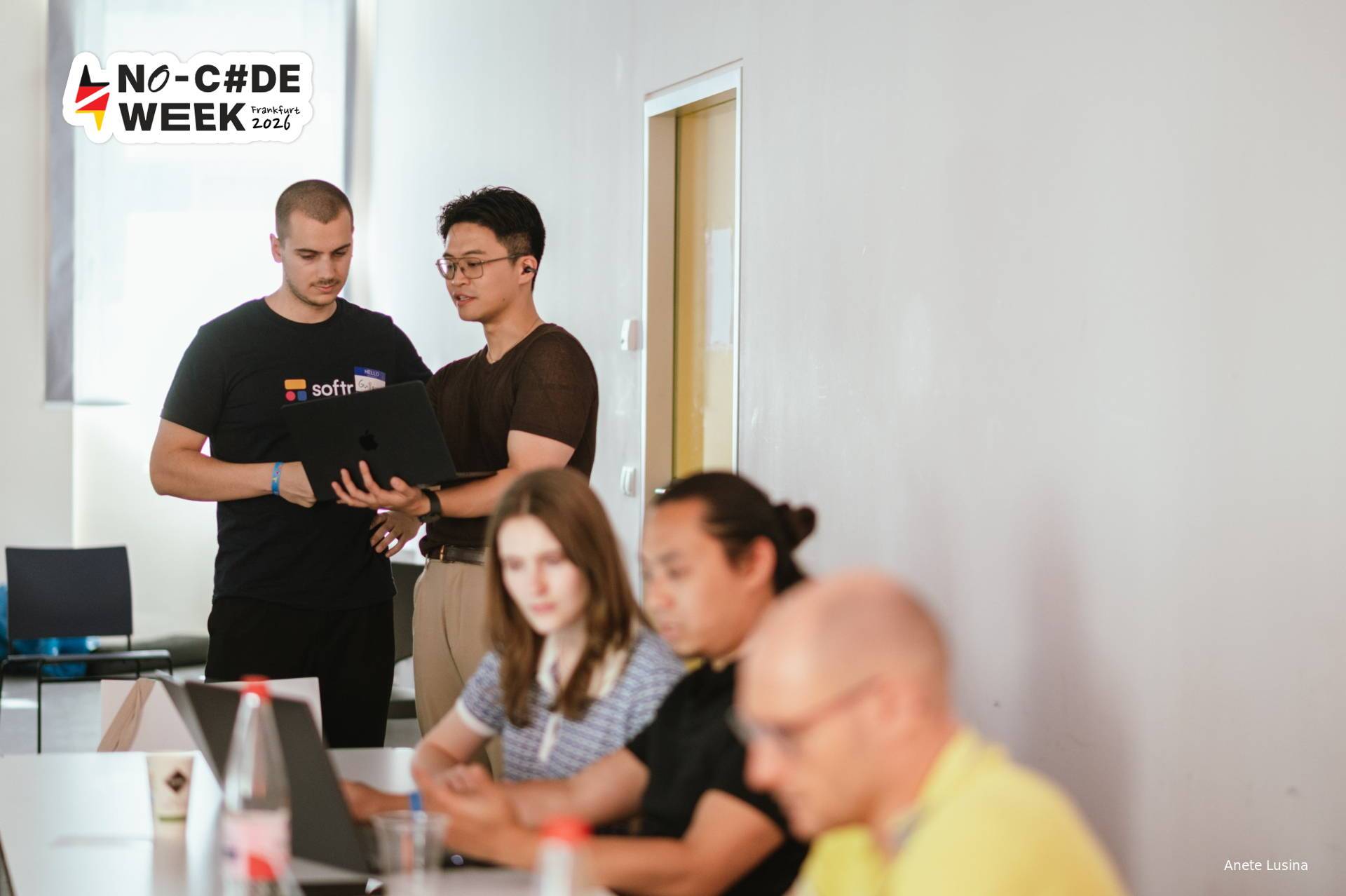
I've spent years building, teaching and experimenting with AI, automation and no-code. This workshop is what all of it turned into: how I work with AI every day. I first set it up for my own work, across my job and my side projects. Then I brought it to Softr, an AI-first startup, where I onboarded a 25-person GTM team to working this way with AI.
 Softr Hackathon2023
 Airtable Hackathon2024
 n8n Hackathon2025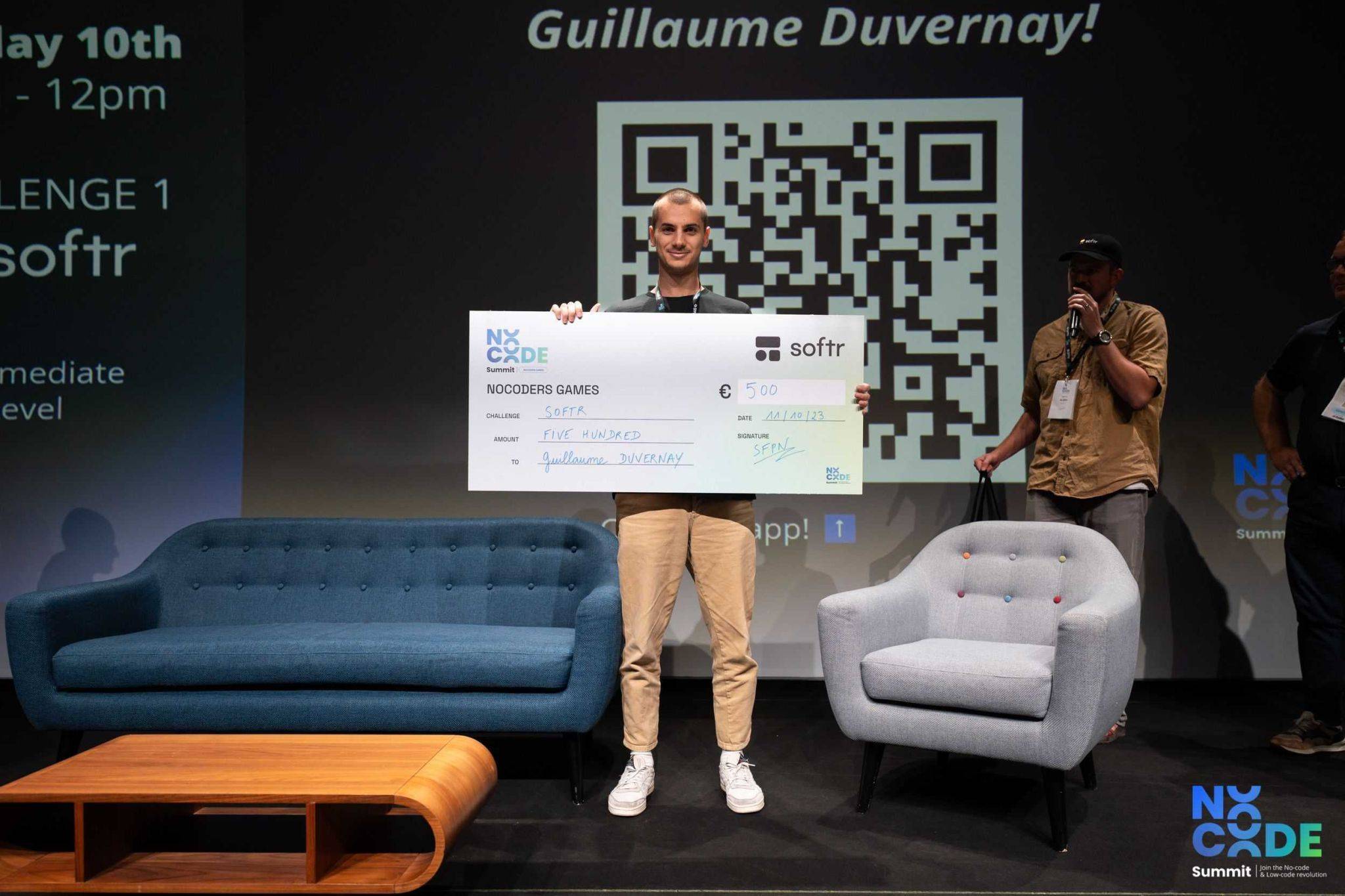
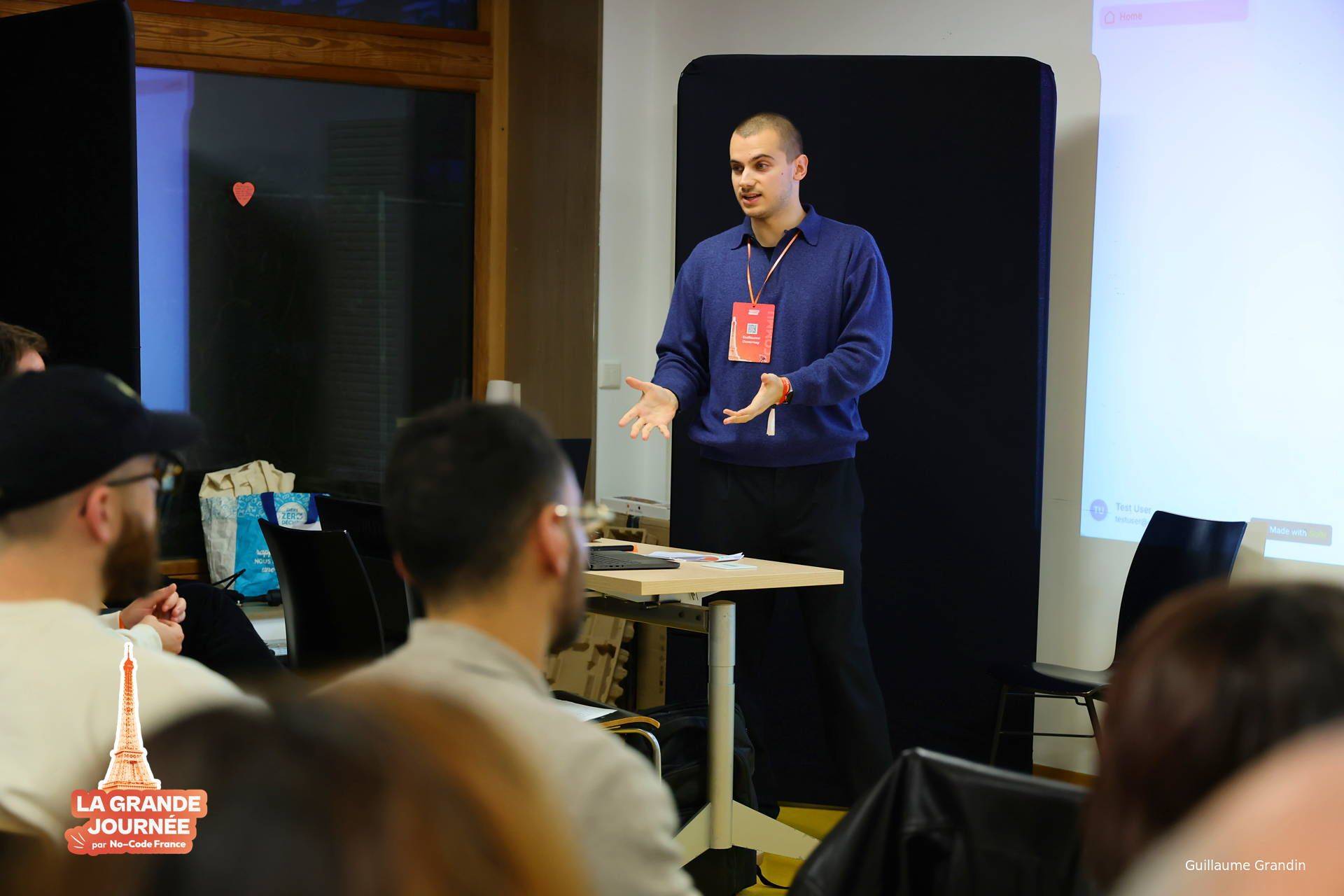
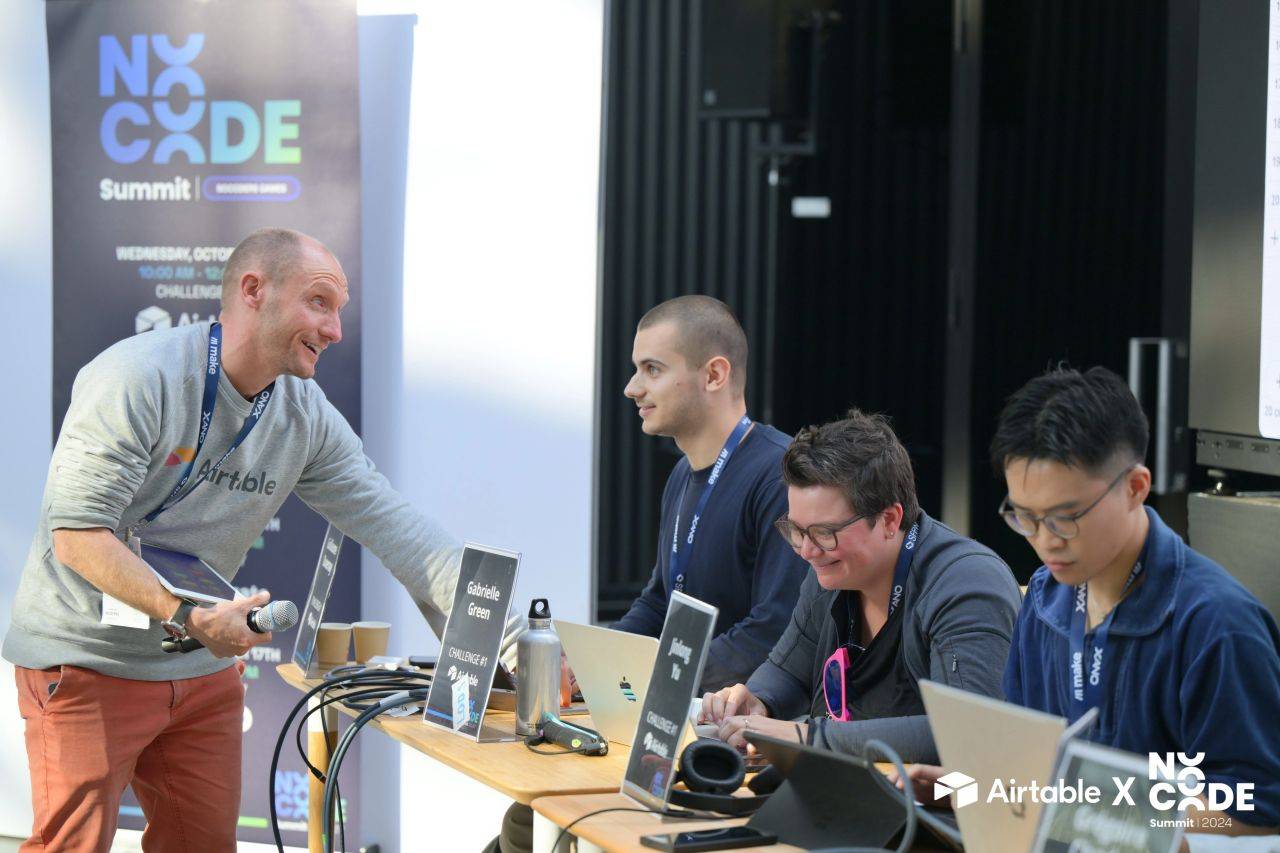
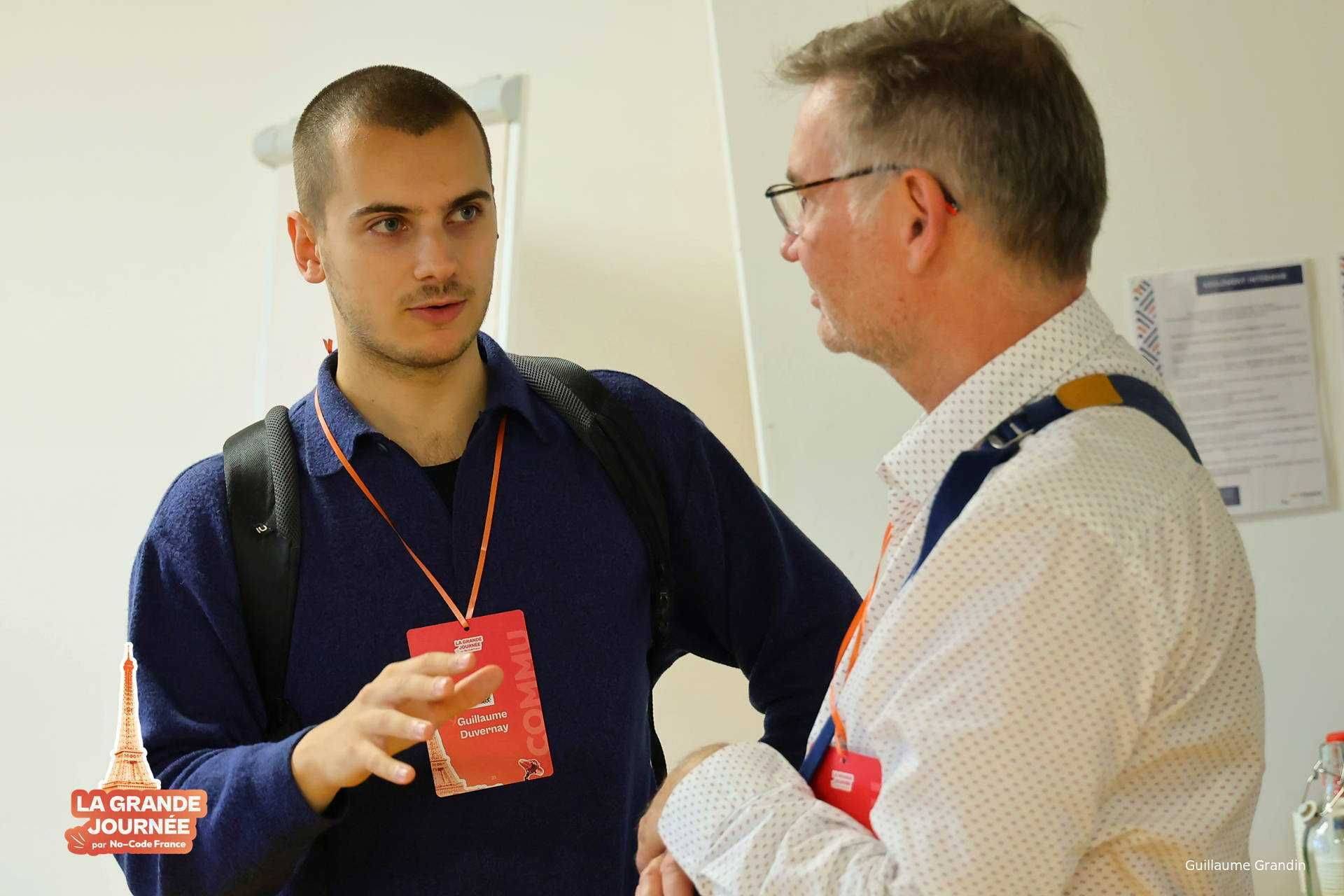
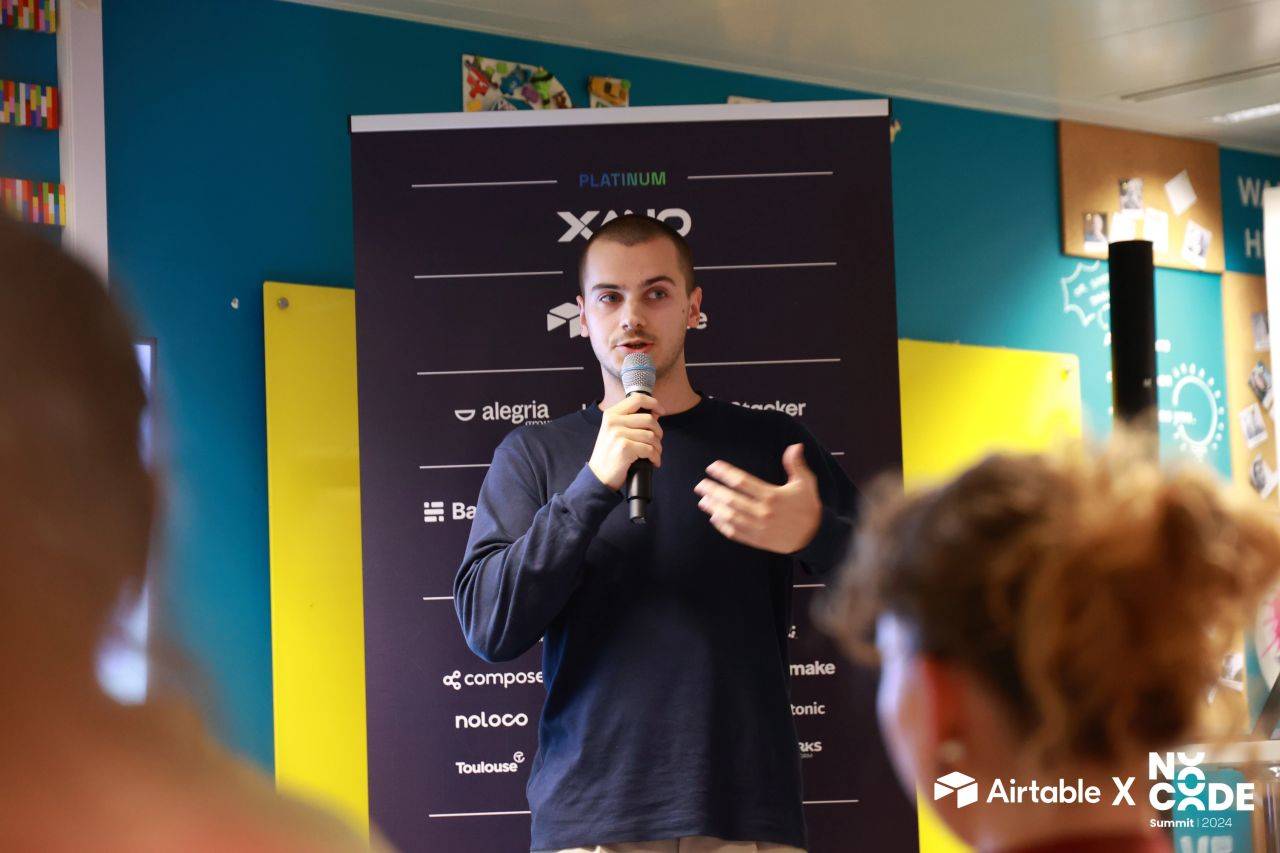
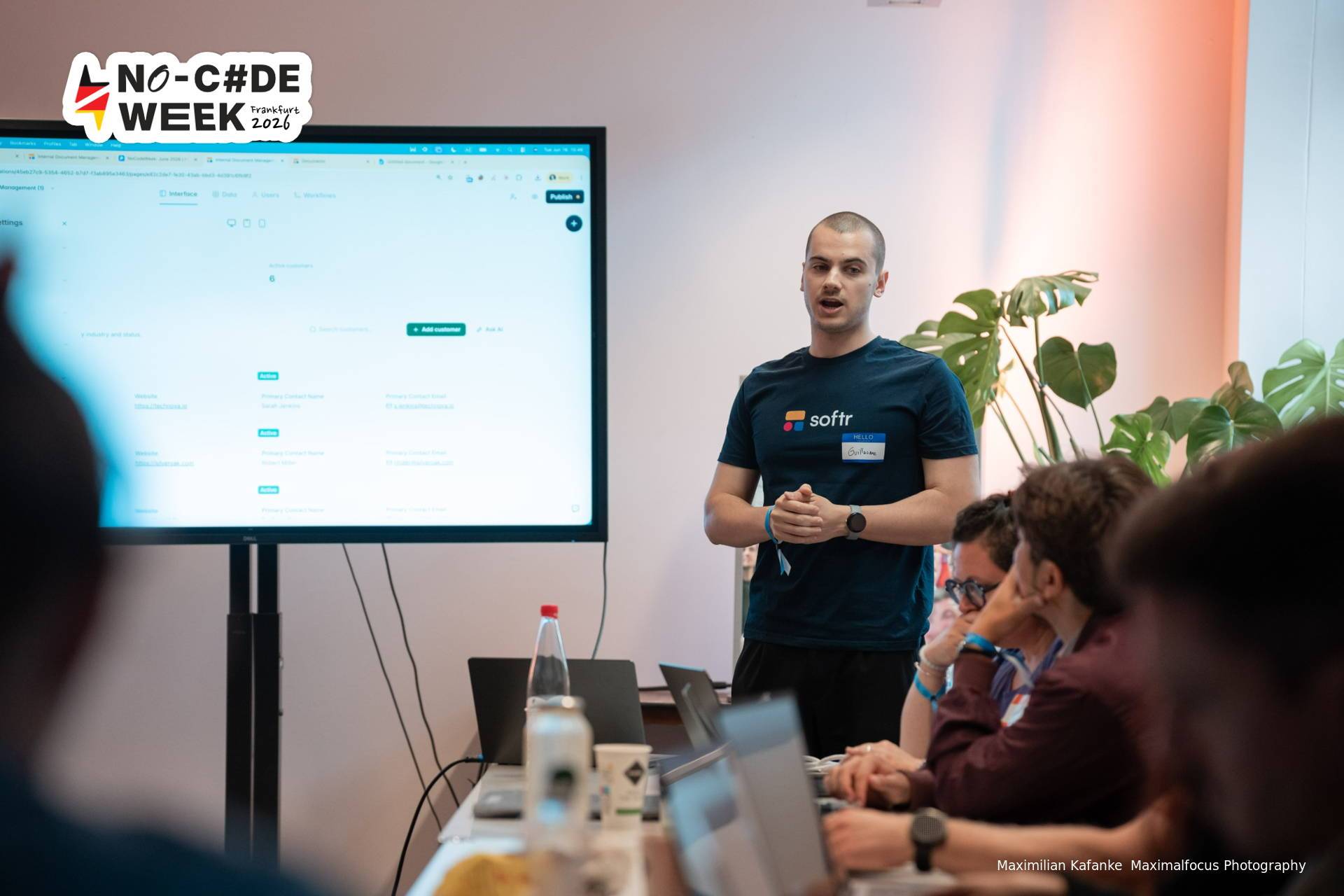
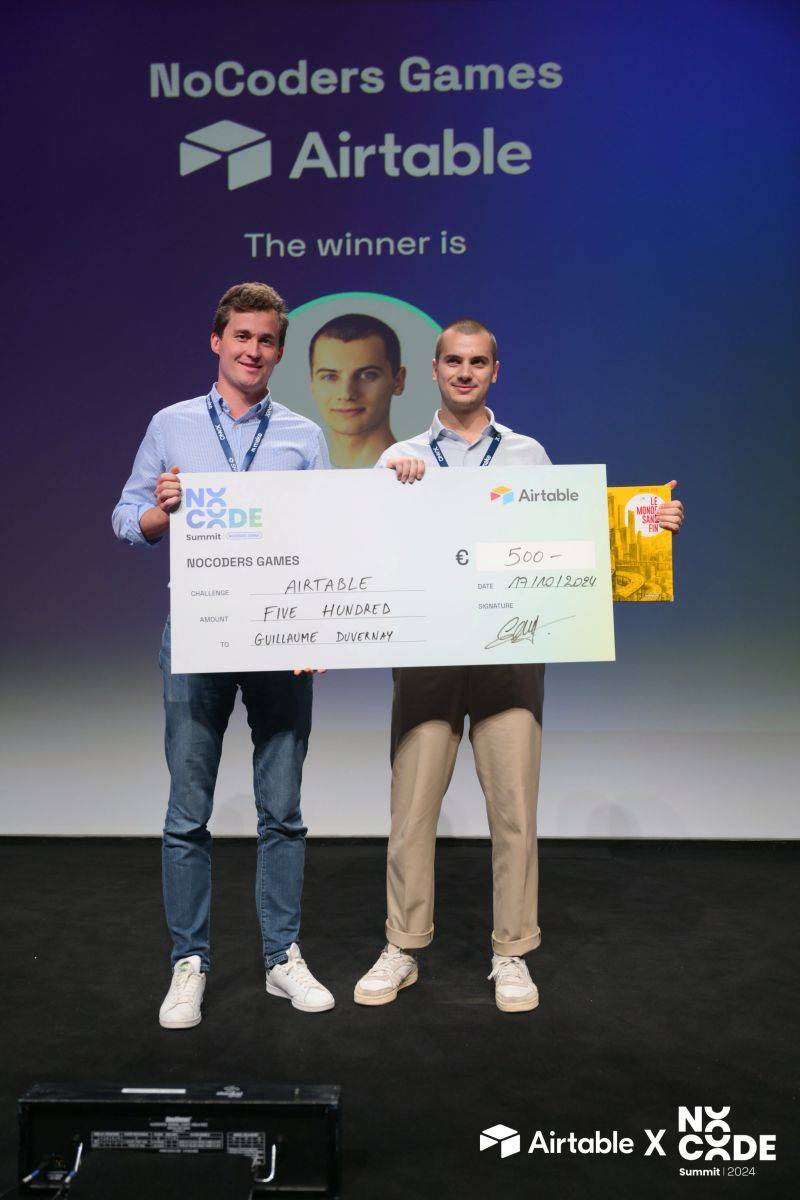
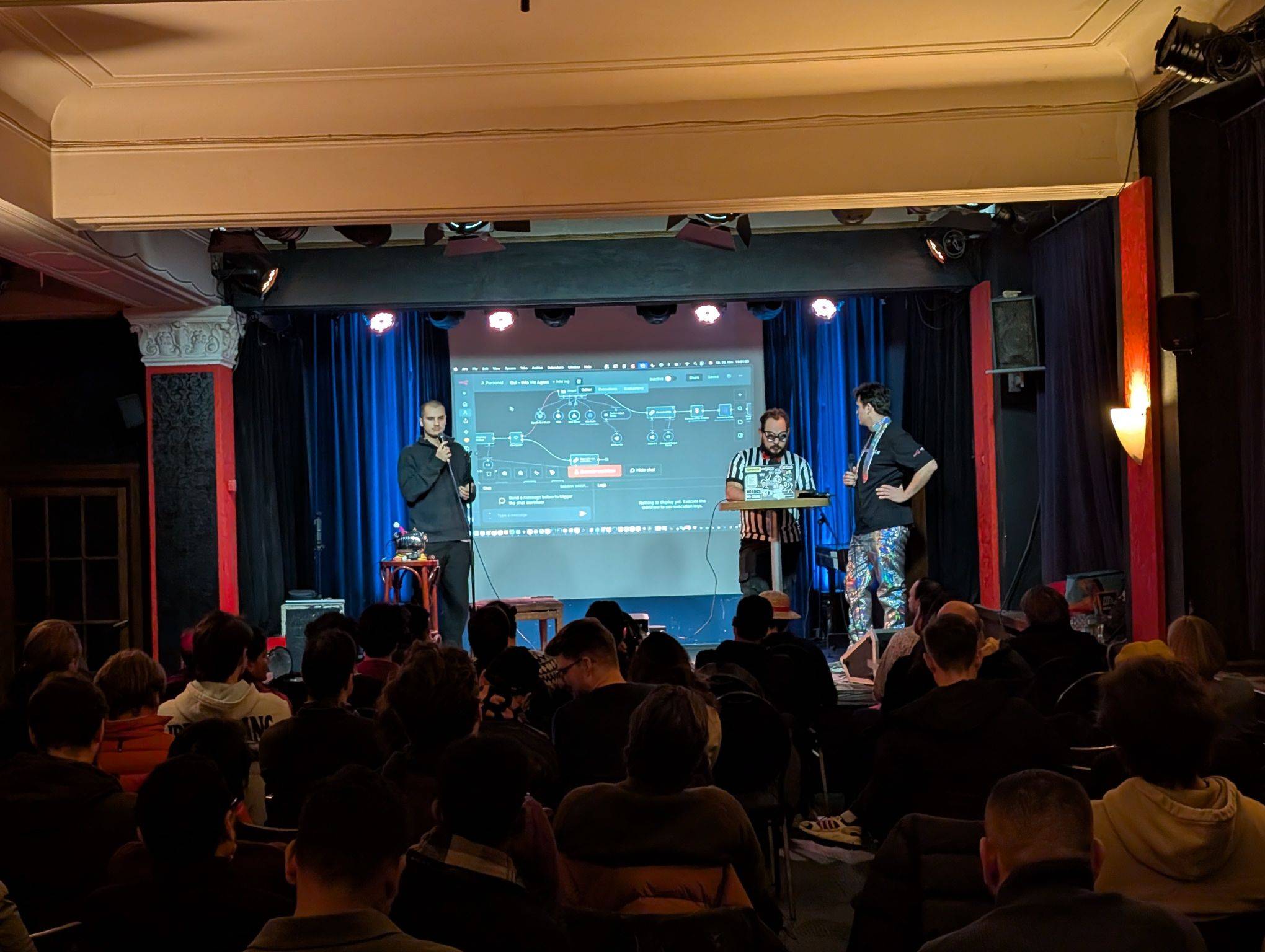
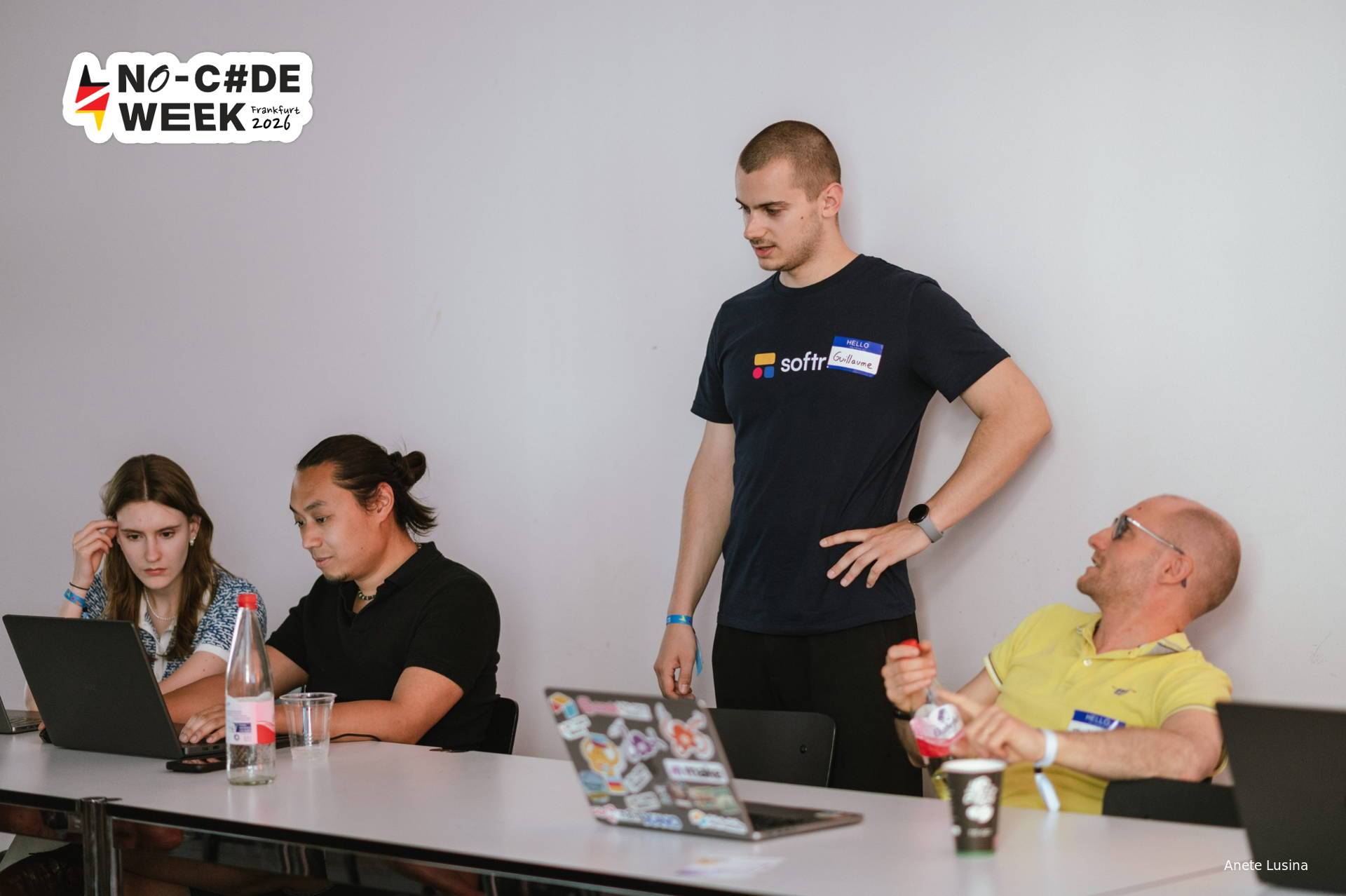
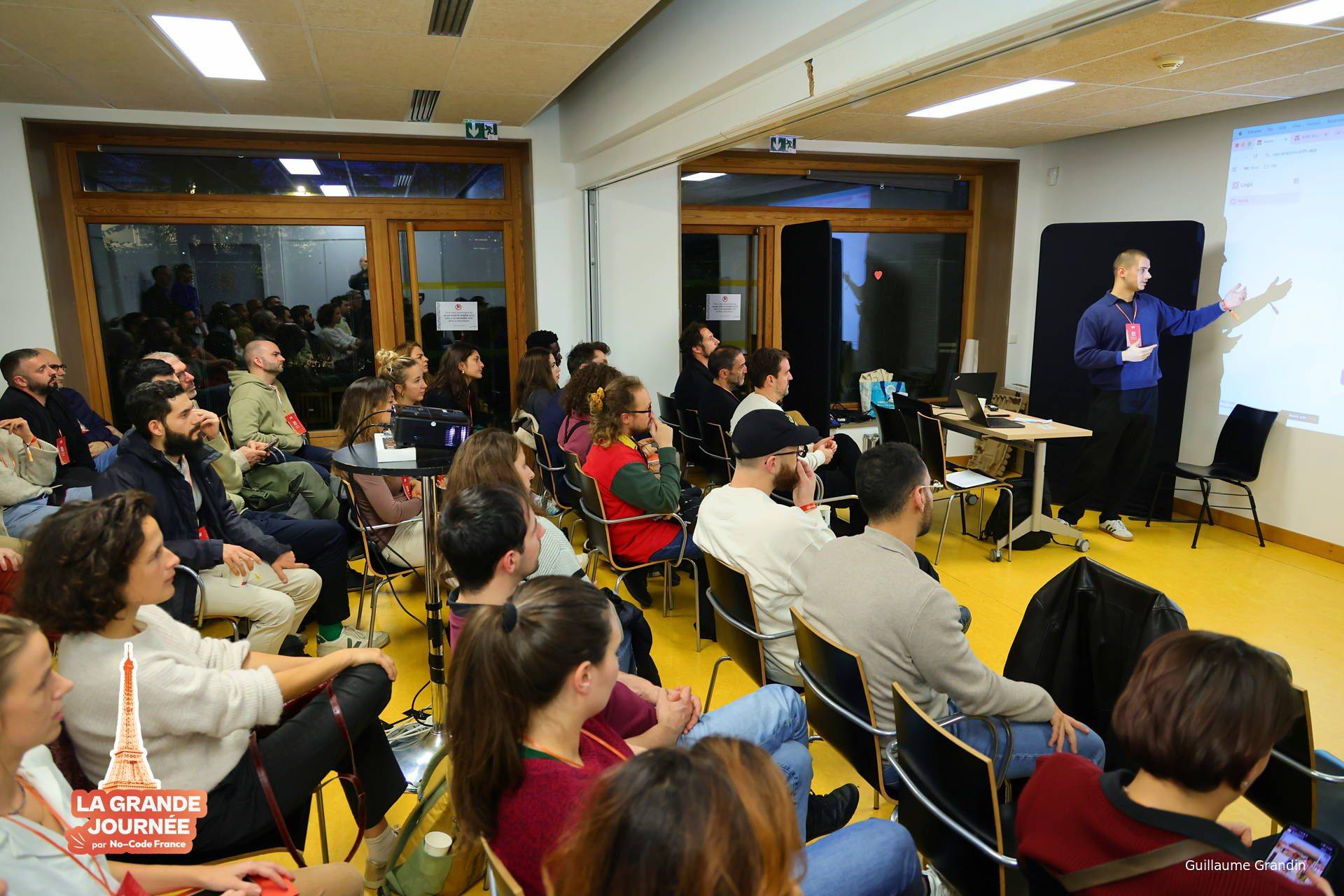
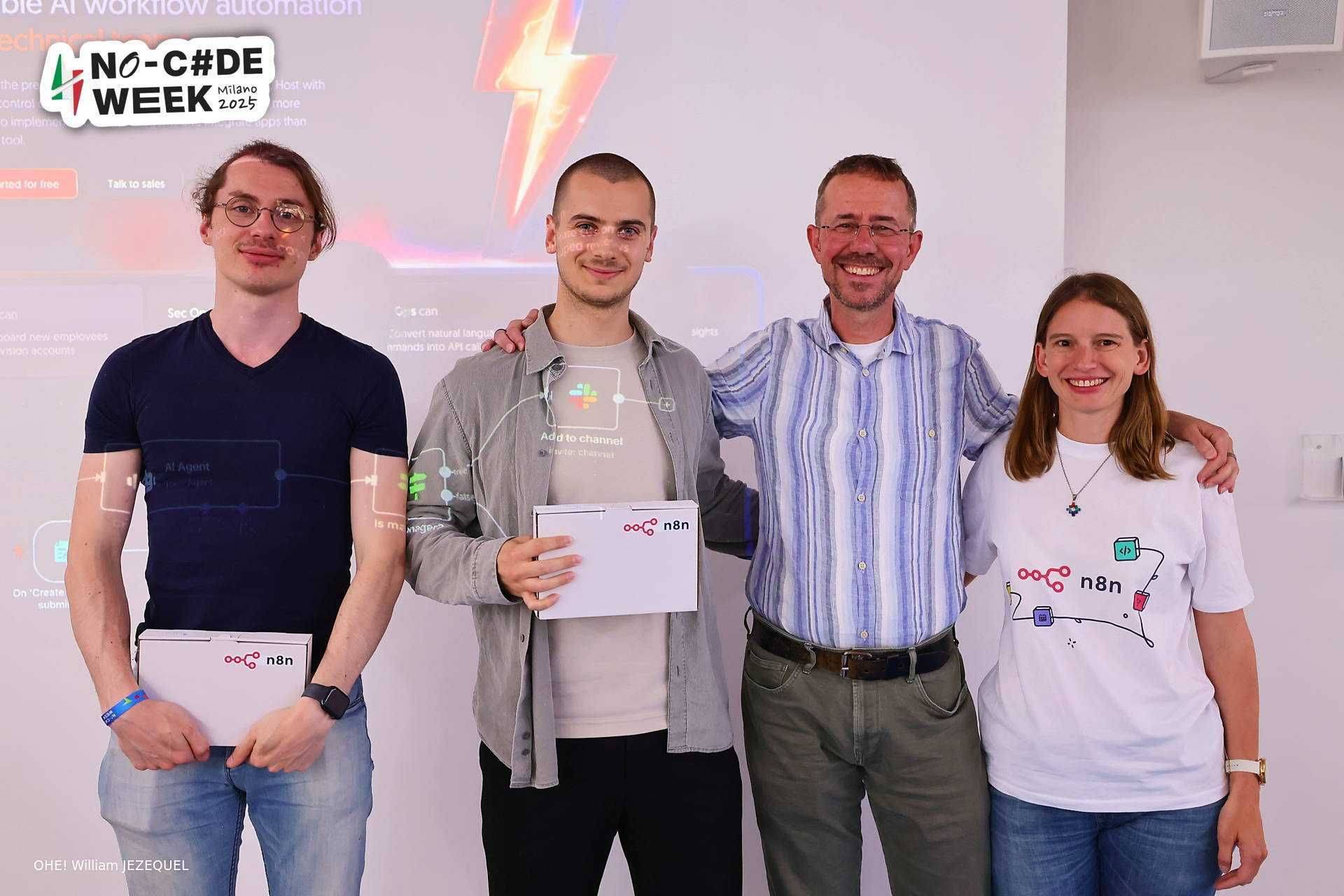
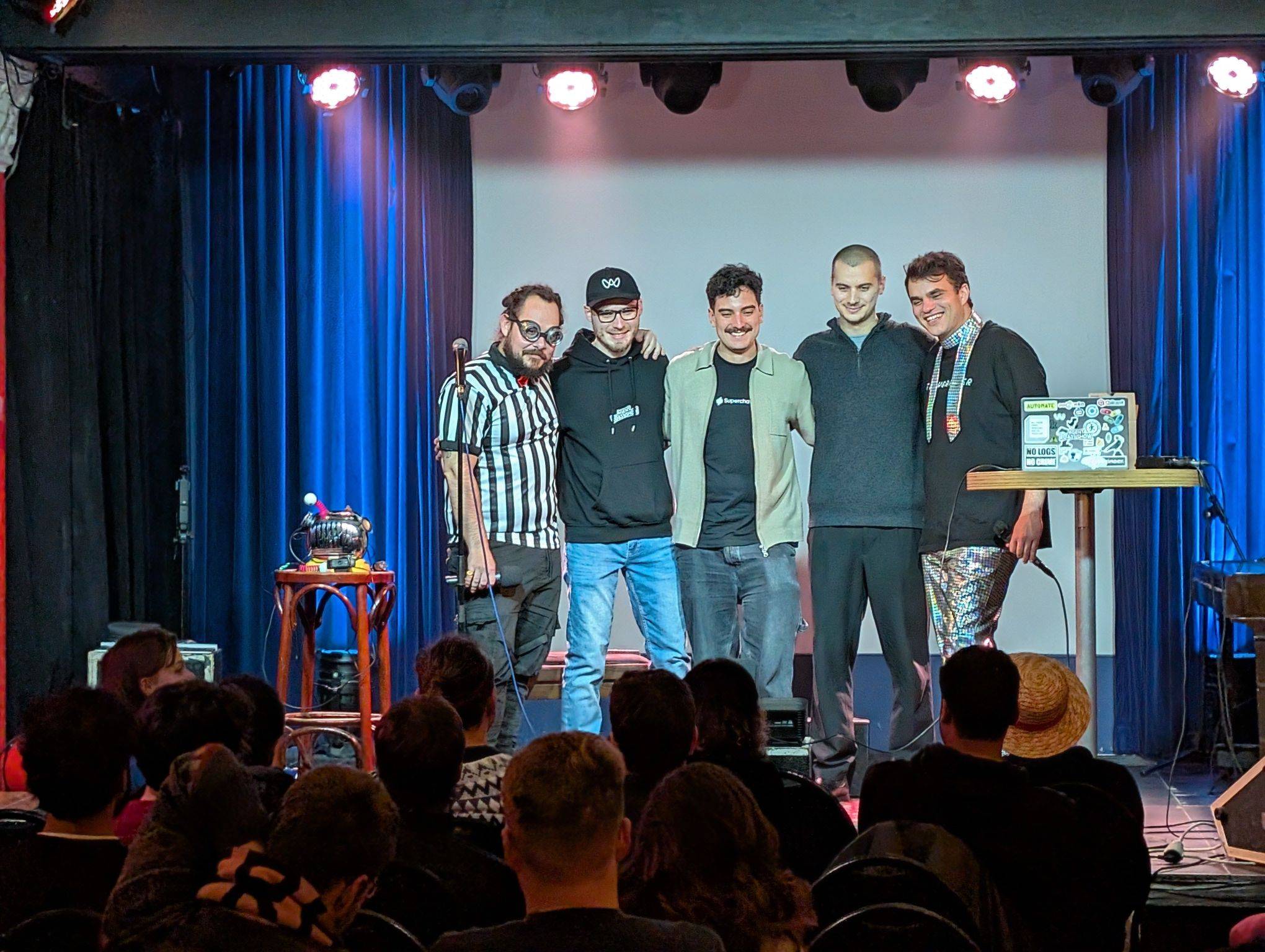
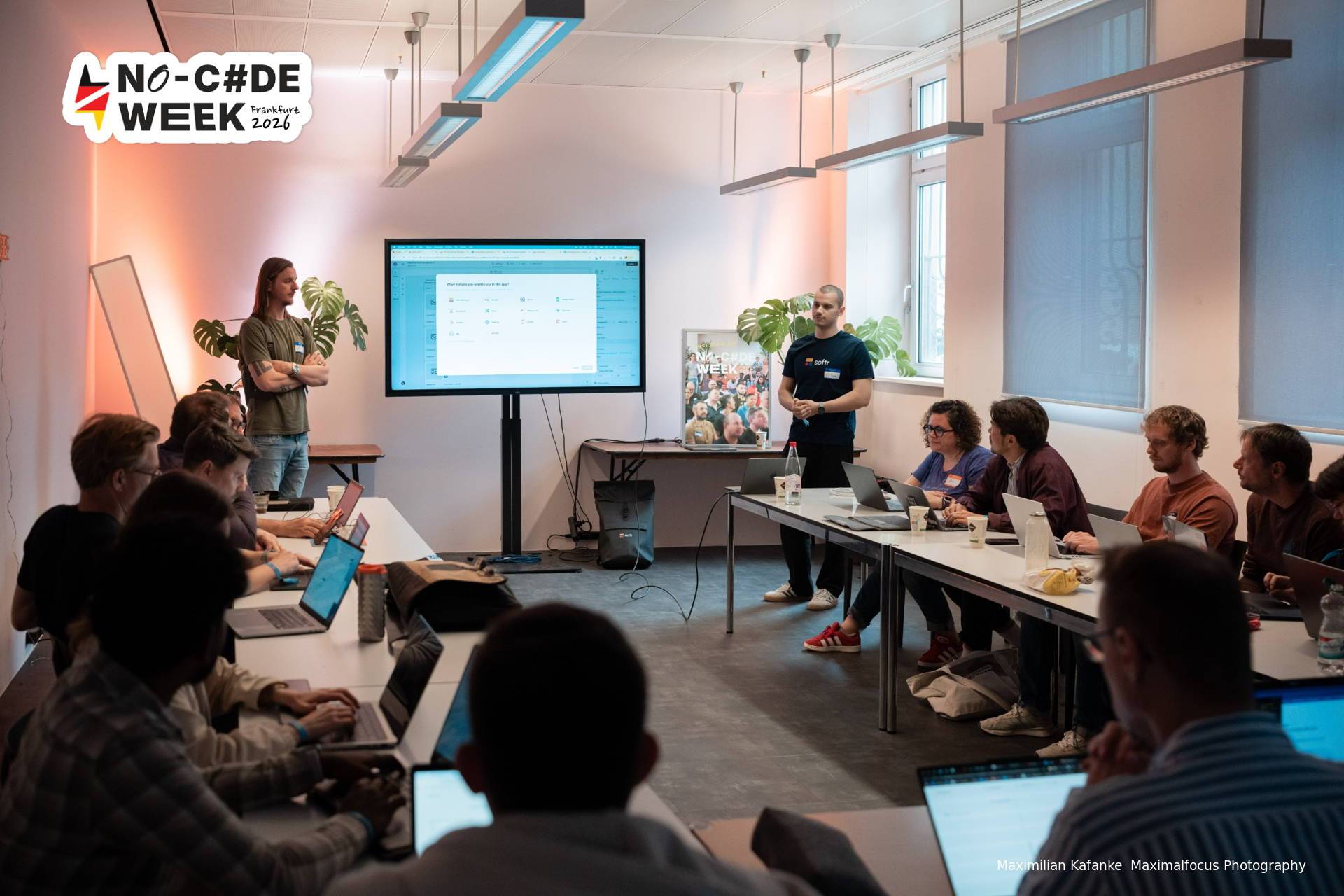
Most people use AI tools one question at a time. Nothing adds up, and every session starts from zero. In one hour we set up the other way: one place, your way of working written down once, your tools reachable from there.
Fast answers, fast output.
Your context and methods scatter, or sink into the history.
One subject and a few files in one place.
The work stays boxed in by tool or by topic.
Context, methods, sources, projects and results, all connected.
Needs a light structure and a bit of discipline.
One ordinary request, and the work it turns into, in the apps you already use.
They use it one question at a time, so nothing adds up. We start from what changes when it does.
A real setup from my own work, end to end, so you see where this goes after a few weeks.
On the files you already work on, opened, edited and saved in place, not pasted into a chat.
Which platform, and why a tool called Claude Code is still the right one when you never write code.
One place for everything, in a structure that holds whatever your job is. I show you mine, then we adapt it to yours.
Write down how you work once, as skills, so you stop explaining yourself every session.
Calendar, CRM, docs: what is worth plugging in, and what only burns context.
Read what the agent did and ask it how it got there. My video renders went from 15 minutes to 3 that way.
It all lives in files now. Two ways to back it up, you pick one.
20x the value
This session gives you a setup that keeps working after it ends, so every week of work with AI costs you less than it does today.
If you don't think you got enough value for the money, just email me your feedback and I'll refund you in full.
No. Nothing in the session needs code, and if you have never opened a terminal, that is fine.
It's good to already have access to one, like Claude, ChatGPT/Codex, Open Code or similar. If not, you can just follow along: I show the setup in Claude, and the method carries over.
No. The session is live so I can adapt it to your questions. You get a ready-to-configure AI setup afterwards, which is more useful than a recording.
Email me your feedback and I'll refund you in full.
5x your efficiency at work with this AI setup
Thursday 8 October, 18:00 Berlin time (CEST)
Save my spot · 100 EURIf you don't think you got enough value for the money, just email me your feedback and I'll refund you in full.